Email Support
support@rotatracker.com
Whether you have a question about scheduling, attendance, billing, or the mobile app, our support team is ready to assist. Reach out through any channel below or send us a request and we'll get back to you as soon as possible.
support@rotatracker.com
+44 1234 567 890
Get support updates and notifications inside your account
Monday to Friday, 9:00AM to 6:00PM
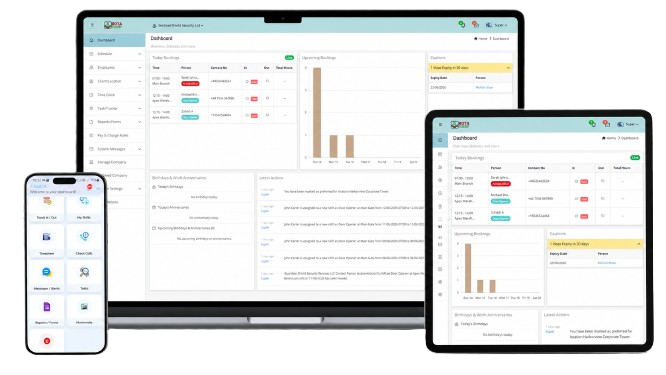
Tell us what you need help with and our team will get back to you soon.
Open the Scheduling screen, create a shift for a site and position, then assign a guard or publish it as an open shift for staff to pick up.
Staff clock in and out from the mobile app with GPS and photo proof, so attendance is verified against the assigned site and shift time.
Your plan is billed per user. You can manage your subscription, update payment details, and view invoices from your account settings.
The Rota Tracker app is available on the App Store and Google Play. Links are in the footer of this site.
Use the "Forgot password" link on the login screen. We'll email you a secure link to set a new password.
Send us a request using the form above or book a demo and a member of our team will walk you through Rota Tracker.